Structured playbooksStep-by-step testing
CHMP
Security engagement workbench
Security Testing.
Without the
Documentation Chaos.
Plan, execute, capture evidence, and create reports — all in one secure workflow.
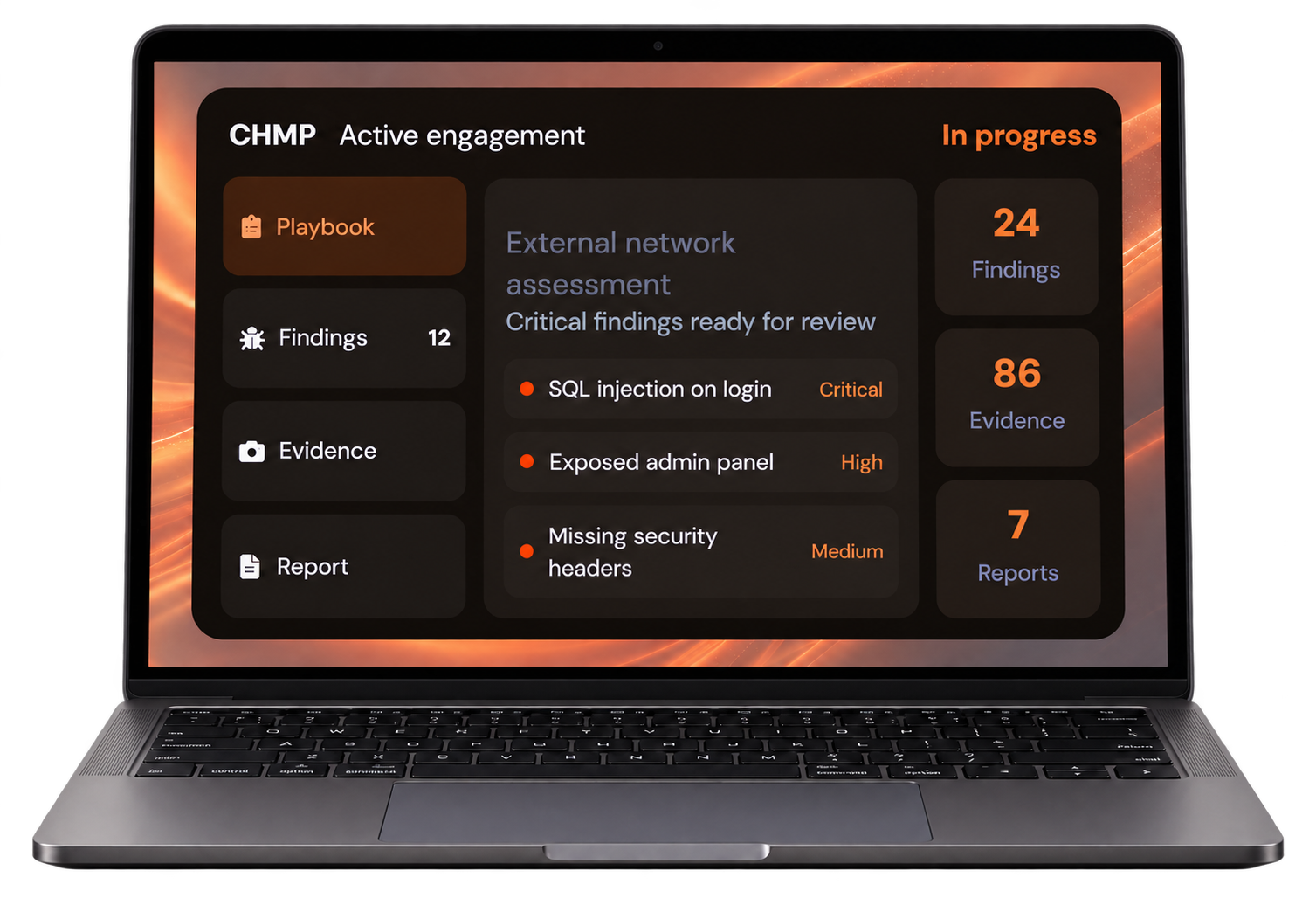
Secure evidenceCapture and organize
Professional reportsClient-ready output
Secure and offline-firstYour data stays local
The problem
Security testing is
Security testing is
complex and time-consuming.
Juggling tools, disconnected notes, evidence collection and reporting slows your engagement and increases risk of missed details.
The solution
CHMP Security
CHMP Security
Engagement Workbench.
A modern, all-in-one platform to manage your entire security testing workflow — from planning to reporting.
- Structured and customizable playbooks
- Automated evidence capture and organization
- Professional, client-ready reports
- Works offline to maximize data privacy
How CHMP works
From planning to professional reports —
See all features
From planning to professional reports —
in four simple steps.
- 01Create
Start with industry playbooks or build your own.
- 02Execute
Run your assessment with guided steps.
- 03Capture
Automatically log notes, screenshots and evidence.
- 04Report
Generate professional, client-ready reports in minutes.
Built for every security role
Tools that adapt to your workflow.
Whether you’re a penetration tester, red team, or compliance officer, CHMP fits your workflow and scales with your team.
Penetration testers
Plan, test, and document without leaving the workbench.
Red and blue teams
Share evidence and findings across the engagement.
Consultants and MSPs
Deliver a consistent report for every client.
Compliance officers
Keep a record that maps back to the test.
Security researchers
Capture notes and proof as you go.
Red teams
Run repeatable playbooks on every operation.
Key capabilities
Everything you need for a
See all features
Everything you need for a
modern security engagement.
Customizable playbooks
Start from a template or build the steps you actually run.
AI security assistance
Draft findings and next steps from the evidence you captured.
Offline knowledge base
Reference checks without sending data off the machine.
Integrated terminal
Keep command output next to the finding it supports.
Automated evidence logging
Screenshots, notes, and files stay attached to the step.
Engagement analytics
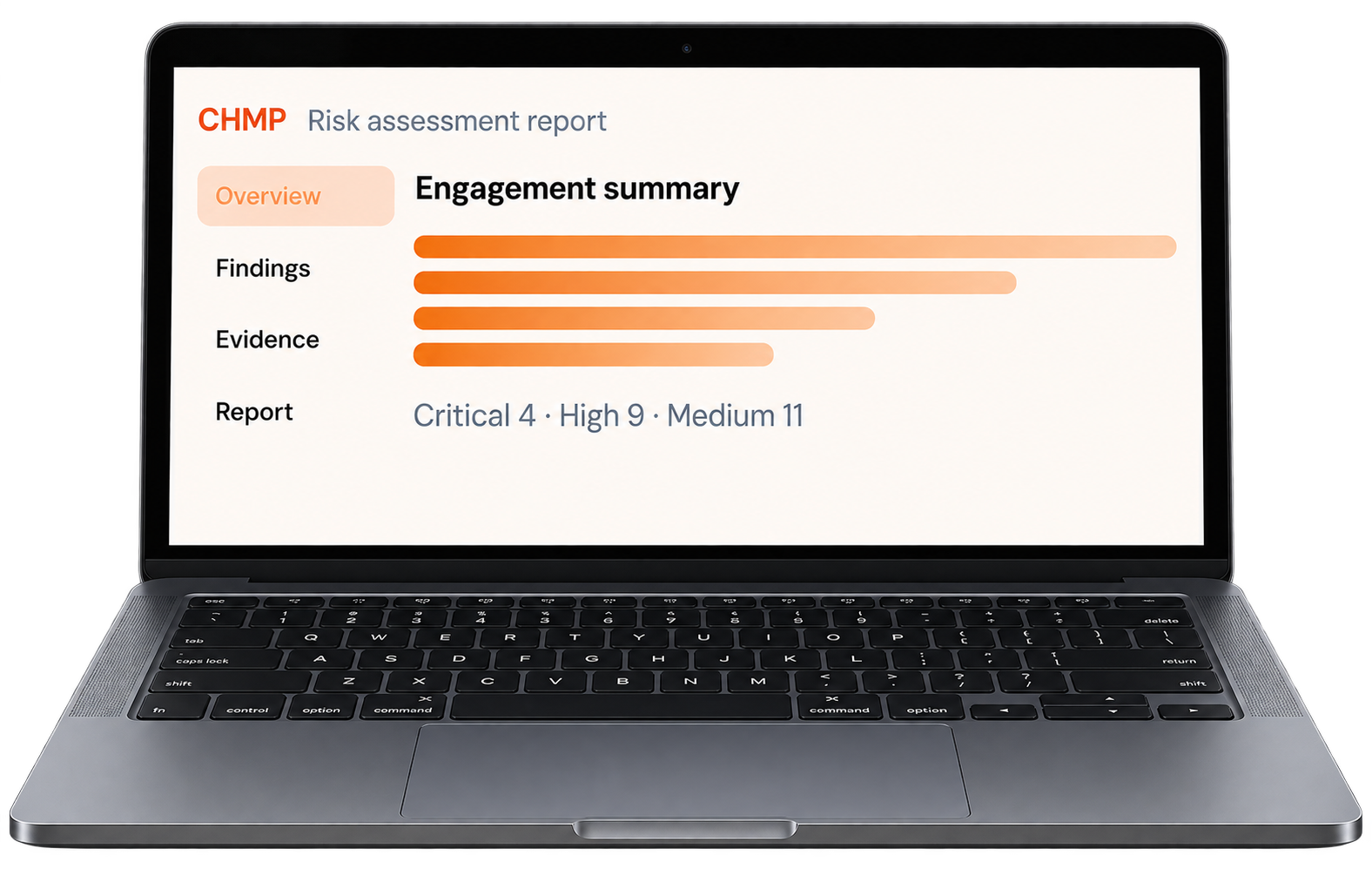
See progress, severity, and coverage at a glance.
Team collaboration
Hand an engagement across testers without losing context.
Professional reports
Export a client-ready write-up from the work you already did.
Security verticals
Built for real-world industries.
Healthcare
Assess clinical systems and keep evidence on site.
Financial services
Document tests against payment and banking apps.
SaaS and web applications
Track findings from recon through retest.
Government and critical infrastructure
Run engagements with an offline-first record.
Automotive and embedded
Capture device and firmware test notes in one place.
IoT and edge infrastructure
Log hardware, network, and app evidence together.
Enterprise and corporate
Standardize how internal teams write up tests.
Custom templates
Shape the playbook around the industry you serve.
Designed for security
Your data.
Your data.
Your control.
CHMP is built with security and privacy at its core. Work offline, keep your data local, and stay in control of every engagement.
- Local-first storage
- Offline ready
- Secure API handling
- Role-based access
- Auditable data trails
Why teams switch to CHMP
Traditional process
- Scattered notes and screenshots
- Manual report assembly
- Inconsistent client deliverables
- Tools that do not talk to each other
CHMP workflow
- One secure workspace
- Evidence captured as you test
- Reports generated from the record
- The same playbook, every engagement
Frequently asked questions
Is my data stored in CHMP?
Engagement data stays on your machine. CHMP is built local-first so notes, evidence, and reports are under your control.
Can CHMP support custom playbooks?
Yes. Start from an industry template or build the steps, checks, and report sections your team already uses.
Who is CHMP for?
Penetration testers, red teams, consultants, and compliance teams who need one place to plan, capture, and report.
Can I collaborate with my team?
Hand findings, evidence, and report drafts across the people on an engagement without rebuilding the file.
Can I use CHMP offline?
Yes. Plan, test, and write the report without a connection, then export when you are ready.
What platforms are supported?
CHMP is aimed at the laptops security teams already carry into an engagement. Ask for a demo on your setup.