AI-powered transcriptsSpeech turned into clean text
NOHOAI documentation
Transform
Screen Recordings
into Expert
Documentation.
Capture, convert and organize your team’s screen recordings into clear, step-by-step documentation with the power of AI.
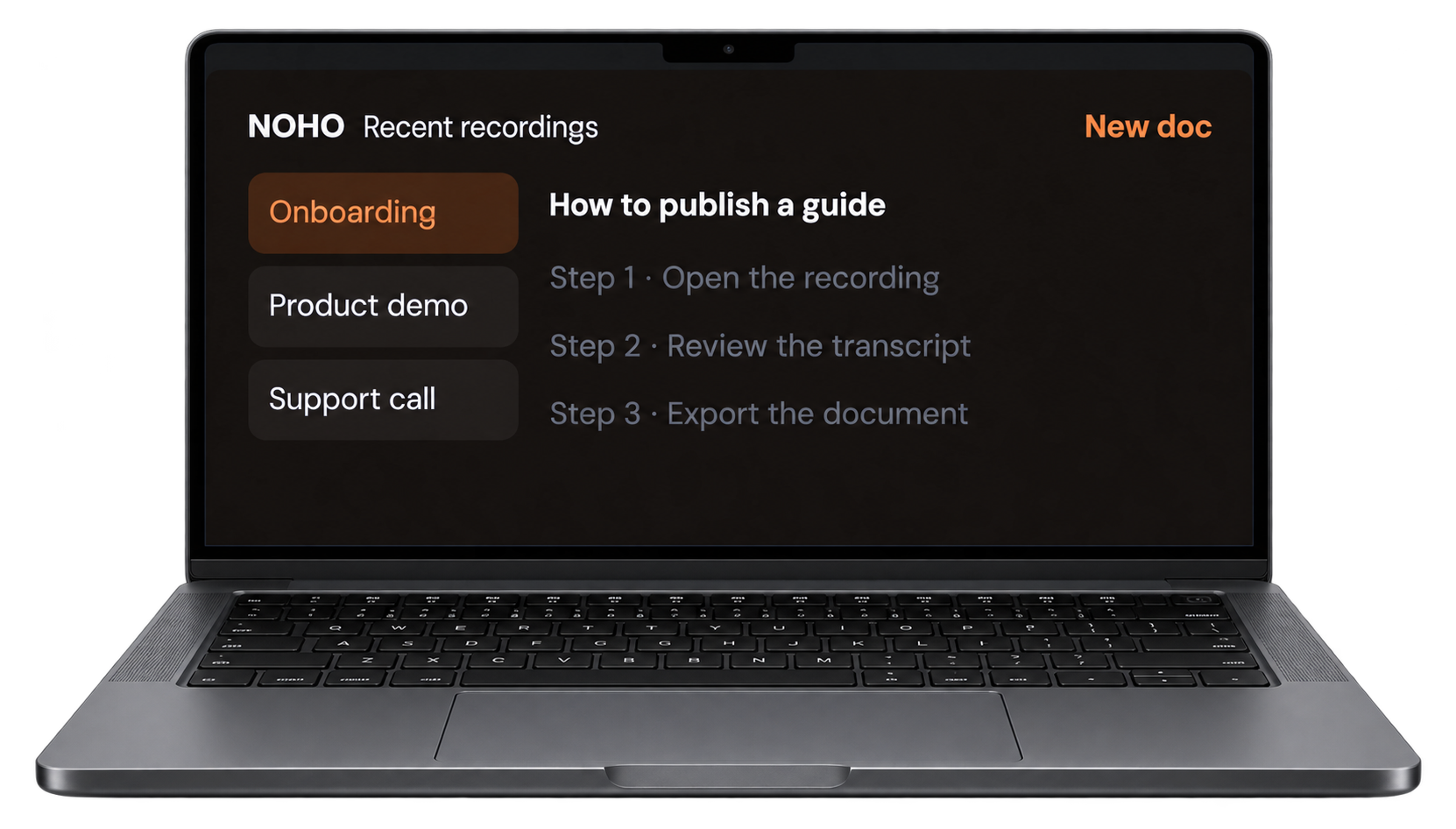
Auto screenshotsA still for every step
Structured documentationGuides your team can share
Works with your toolsExport into the stack you use
The problem
Important knowledge
Important knowledge
gets lost in recordings.
Teams create screen recordings every day. Still turning them into useful documentation is time-consuming, and often gets ignored.
The solution
NOHO Documentation
NOHO Documentation
Made Simple.
NOHO automatically converts your screen recordings into accurate, structured, and professional documentation.
- AI transcription and step detection
- Automatic screenshots with annotations
- Editable and shareable documents
- Templates for consistent formatting
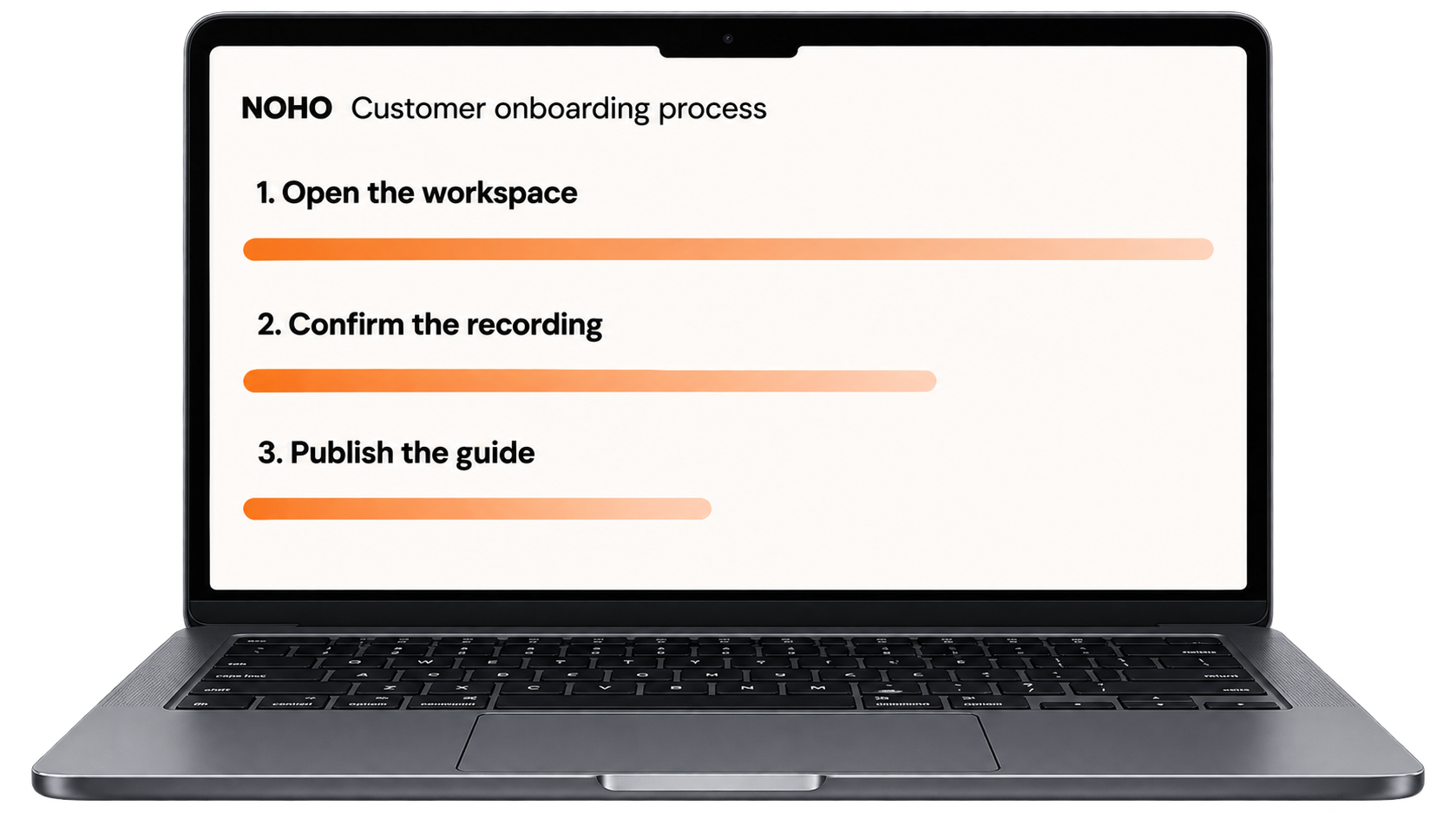
How NOHO works
From screen recording to published
From screen recording to published
documentation — in four simple steps.
- 01Record
Capture your workflow with any screen recorder.
- 02AI processes
NOHO turns speech and frames into steps.
- 03Review and edit
Tighten the wording before it goes out.
- 04Publish and share
Send a guide your team can actually use.
How benefits
Why teams choose NOHO.
Save time
Turn hours of write-up into minutes of review.
Improve accuracy
Steps come from the recording, not from memory.
Standardize processes
Every guide follows the same structure.
Share knowledge
Make the recording useful after the call ends.
Built for real operational workflows
Use NOHO across your organization.
Employee onboarding
Hand a new hire the exact clicks, not a long video.
Customer support
Turn recurring answers into a searchable guide.
Software training
Document a product walkthrough once and reuse it.
Process documentation
Capture how the work is actually done.
IT and software setup
Record the install so the next person can follow it.
Knowledge base
Publish guides the whole company can find.
Your new documentation ecosystem
Capture Knowledge.
Capture Knowledge.
Scale Faster.
Give your team the tools to create, organize, and share documentation effortlessly. NOHO keeps your knowledge accurate, searchable, and always up to date.
Before vs after
See the difference NOHO makes.
Before NOHO
- Long, unedited recordings
- Manual note-taking
- Inconsistent formats
- Hard to share and find later
With NOHO
- Clear, step-by-step guides
- Screenshots captured as you record
- One format across the team
- Easy to search and update
Frequently asked questions
What is NOHO?
NOHO turns a screen recording into a written guide, with the transcript, steps, and screenshots kept together.
What file formats can I upload?
Common screen-recording formats. Ask for the current list when you start a trial.
Can I edit the generated documentation?
Yes. Review the steps, fix wording, and adjust screenshots before you publish.
Is my data secure?
Recordings and documents stay with your team. You control what gets shared.
Can I collaborate with my team?
Share a draft, collect edits, and publish one version everyone can find.
Do you offer an enterprise plan?
Yes. Talk to us about a rollout across training, support, and IT.